Dealing with toxic players in Counter-Strike can be challenging, but it's essential to maintain a positive gaming experience and protect your mental well-being. Whether it's insults, trolling, or disruptive behavior, here are some effective strategies to manage toxic players in CS.
Stay Calm and Composed
The first step in dealing with toxicity is maintaining your composure. Toxic players often aim to provoke a reaction. By staying calm and not responding to their provocations, you deprive them of the satisfaction they seek.
Use the Mute Function
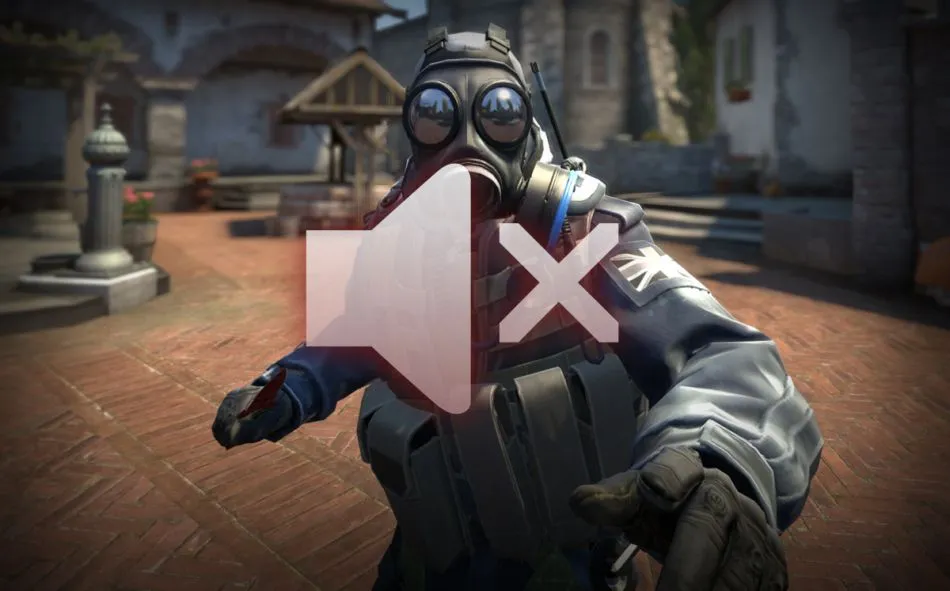
CS allows you to mute individual players. If someone is being disruptive, mute them immediately. This will prevent you from hearing their negative comments and allow you to focus on the game.
How to Mute Players in CS:
Press the tab key to bring up the scoreboard.
Right-click to enable your mouse.
Click on the player you wish to mute and select the mute option.
Report Toxic Behavior

If a player's actions go beyond mere annoyance and cross into harassment, racism, or any other serious misconduct, it's essential to report them. Reporting helps maintain the integrity of the game by holding toxic players accountable.
How to Report a Player:
Open the scoreboard by pressing tab.
Right-click to enable your mouse.
Click on the offending player and select Report.
Choose the appropriate category for your report.
Focus on Your Performance
It's easy to get distracted by toxic behavior, but remember that your primary goal is to enjoy the game and perform well. Focus on your gameplay, communicate effectively with your team, and ignore the negativity.
Encourage Positive Team Communication
Take the initiative to foster positive communication within your team. Compliment good plays, provide constructive feedback, and encourage teamwork. Positivity can often counteract toxicity and create a more enjoyable gaming environment.
Leave the Match if Necessary
If the toxicity becomes overwhelming and you find it hard to focus on the game, consider leaving the match. In casual modes, leaving won’t have severe consequences, but it’s advisable to avoid this in competitive matches due to possible penalties.
Take Breaks
Repeated exposure to toxic players can take a toll on your mental health. If you find yourself frustrated or upset, take a break from the game. A short pause can help you regain your composure and return to the game with a fresh mindset.
Join or Create a Positive Community
Engage with like-minded players by joining or creating a community that values sportsmanship and positive interaction. Playing with a group of friends or a supportive community can significantly reduce encounters with toxic players.
Educate New Players
If you encounter new players who are struggling or not playing well, instead of being toxic, offer them advice and support. This can turn a potentially toxic situation into a learning opportunity for everyone involved.
Reflect and Learn
Finally, if you ever find yourself becoming frustrated or contributing to the toxicity, take a moment to reflect. Understanding the impact of your behavior on others can help you grow as a player and a teammate.
Conclusion

Dealing with toxic players in CS can be frustrating, but by using these strategies, you can protect your gaming experience and contribute to a more positive community. Remember, the goal is to enjoy the game, improve your skills, and support your teammates. Stay positive, stay focused, and don’t let toxicity ruin your gaming sessions.