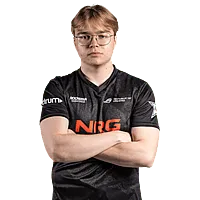
HexT

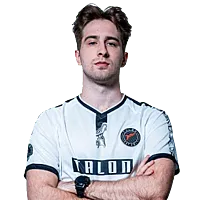
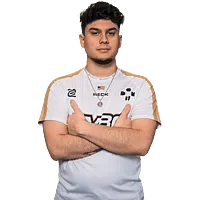
Jadan “HexT” Postma was born on October 30, 2001 and is currently playing for Wildcard Gaming as a rifler.
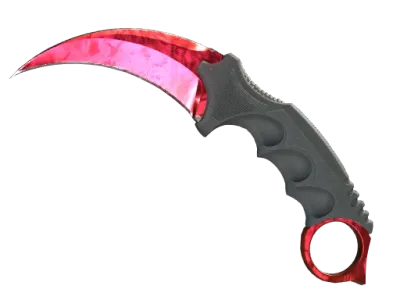
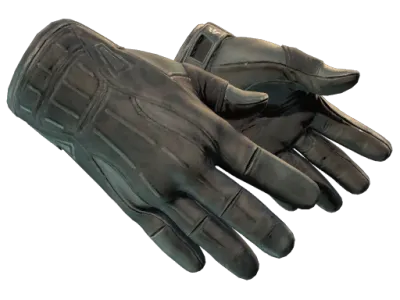
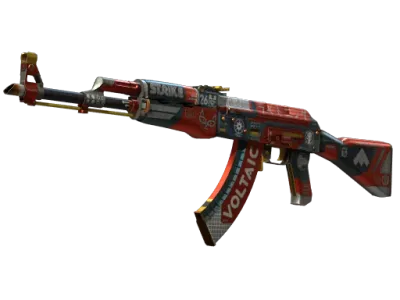
CS2 Skins
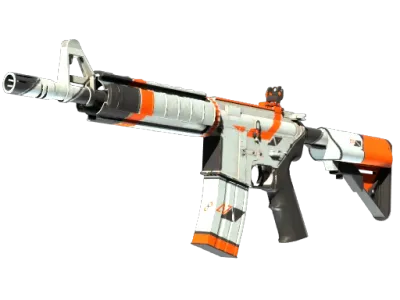
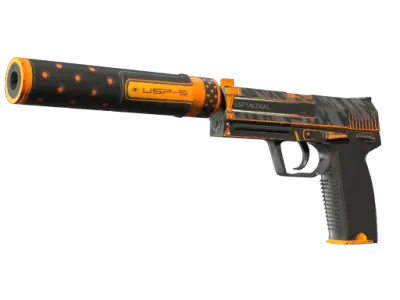
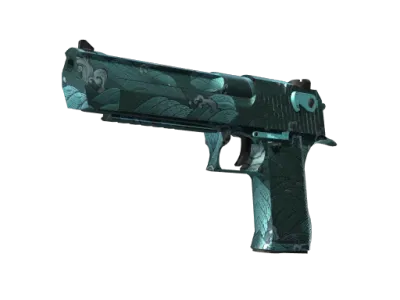
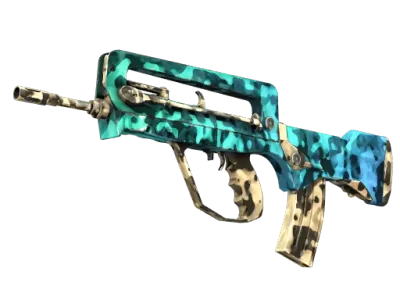
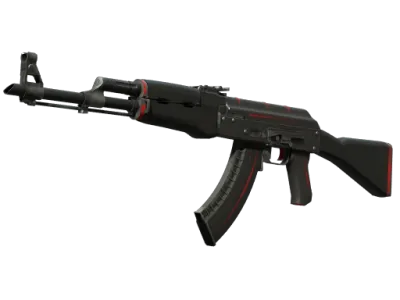
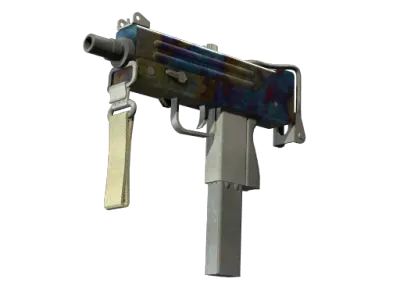
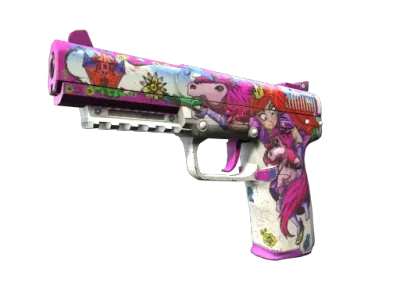
Hardware

Keyboard
Wooting 80HE Black
Headset
HyperX Cloud II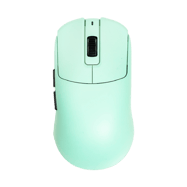

Mousepad
Lethal Gaming Gear Saturn Pro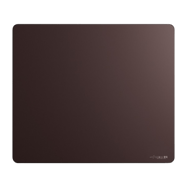
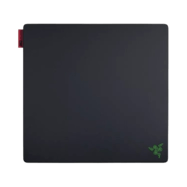
Mousepad
Razer Gigantus V2 Pro Max Speed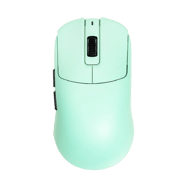
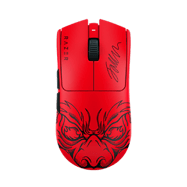
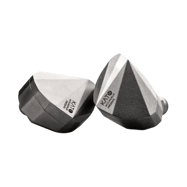
Earphones
Moondrop Kato
Headset
HyperX Cloud III

Viewmodel
FOV
68Offset X
2.5Offset Y
0Offset Z
-1.5Presetpos
2Mouse
DPI
800Sensitivity
1eDPI
800Hz
1000Zoom Sensitivity
1.1Windows Sensitivity
6Crosshair







Style
Classic StaticFollow recoil
NoDot
NoLength
1Thickness
1Gap
-4Outline
NoColor
CyanRed
255Green
255Alpha
YesT Style
NoSniper Width
0Deployed Weapon Gap
NoFull config
Crosshair
CSGO-j5PN3-m5jw8-avYUO-YEDRy-8bBAA
Viewmodel
viewmodel_fov 68; viewmodel_offset_x 2.5; viewmodel_offset_y 0; viewmodel_offset_z -1.5; viewmodel_presetpos 2;





Question hub
HexT uses a custom crosshair in CS2. You can copy the exact crosshair code and settings from this page.
HexT's sensitivity, DPI, and eDPI settings are listed above. Copy them to match pro-level aim.
HexT's full CS2 config includes crosshair, resolution, viewmodel, and video settings — all available on this page.
HexT's full CS2 inventory is displayed on this page, including knives, gloves, and weapon skins.